Web App Needs a Staging Environment? Create a Deployment Slot
CloudTrips needs to test a release at a live Azure URL before it reaches users. An App Service deployment slot is a separate running version of the web app with its own hostname. A swap warms the staged version and moves it into the production slot without redeploying it there.
Slots share the App Service plan’s compute resources; they are not separate security or infrastructure boundaries. Standard, Premium, or Isolated tiers are required. The Premium v3 P0V3 tier shown in this lab supports deployment slots.
Create the App Service
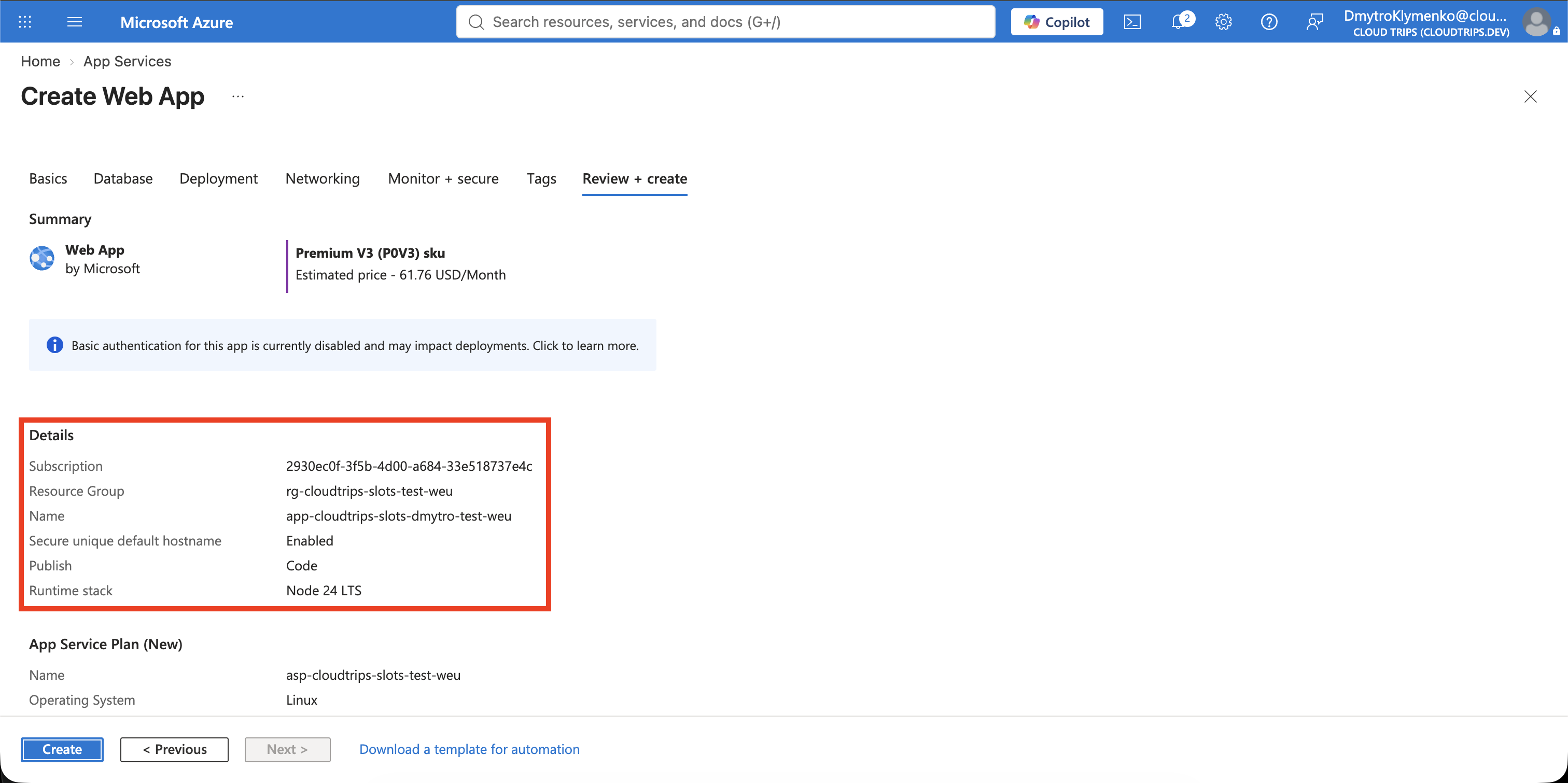
This trip is standalone. Search for App Services, select Create > Web App, and enter:
Subscription: CloudTrips TEST
Resource group: rg-cloudtrips-slots-test-weu
Name: app-cloudtrips-slots-dmytro-test-weu
Publish: Code
Runtime stack: Node 24 LTS
Operating System: Linux
Region: West Europe
Linux Plan: Create new
Plan name: asp-cloudtrips-slots-test-weu
Pricing plan: Premium v3 P0V3
Zone redundancy: Disabled
The web-app name must be globally unique. If Azure adds a suffix to its default domain, use the generated hostname returned by Azure rather than constructing one from the app name. P0V3 is billable until the resource group is deleted, so complete the lab and clean up promptly.
Select Review + create > Create.
Deploy the Production Version
Create this local structure:
cloudtrips-slots/
└── production/
    ├── package.json
    └── server.js
Use this package.json:
{
  "name": "cloudtrips-slots-production",
  "version": "1.0.0",
  "scripts": {
    "start": "node server.js"
  }
}
Use this server.js:
const http = require('http');
const port = process.env.PORT || 8080;

http.createServer((request, response) => {
  response.writeHead(200, { 'Content-Type': 'text/html; charset=utf-8' });
  response.end('<h1>CloudTrips Production</h1><p>Version 1</p>');
}).listen(port);
From cloudtrips-slots, package and deploy it to the default production slot:
(cd production && zip ../production.zip package.json server.js)

az webapp deploy \
  --resource-group rg-cloudtrips-slots-test-weu \
  --name app-cloudtrips-slots-dmytro-test-weu \
  --src-path production.zip \
  --type zip
Create the Staging Slot
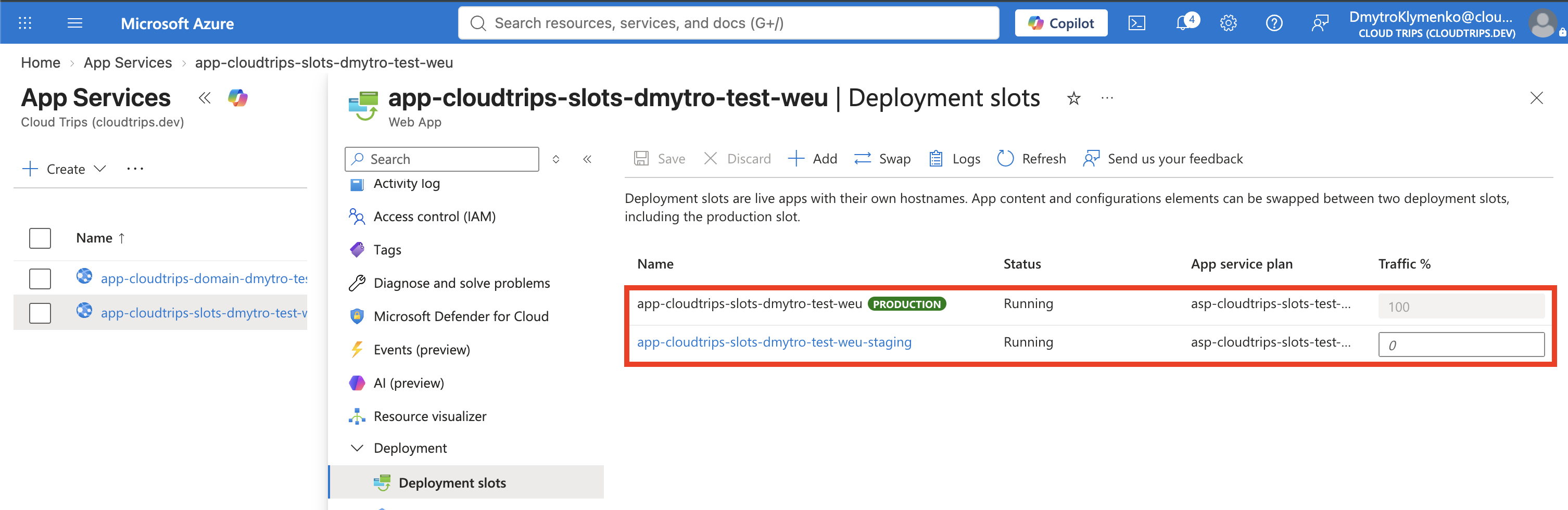
Open the web app and select Deployment > Deployment slots > Add:
Name: staging
Clone settings from: app-cloudtrips-slots-dmytro-test-weu
Select Add, wait for creation to finish, and open the slot. Cloning copies configuration such as the runtime stack and app settings; it does not create a second App Service plan. The app name in this dropdown represents the production slot. Do not clone settings would create staging without copying that production configuration.
Deploy and Test the Staging Version
Create staging/package.json with the same structure as production but use
cloudtrips-slots-staging as its name. Create staging/server.js:
const http = require('http');
const port = process.env.PORT || 8080;

http.createServer((request, response) => {
  response.writeHead(200, { 'Content-Type': 'text/html; charset=utf-8' });
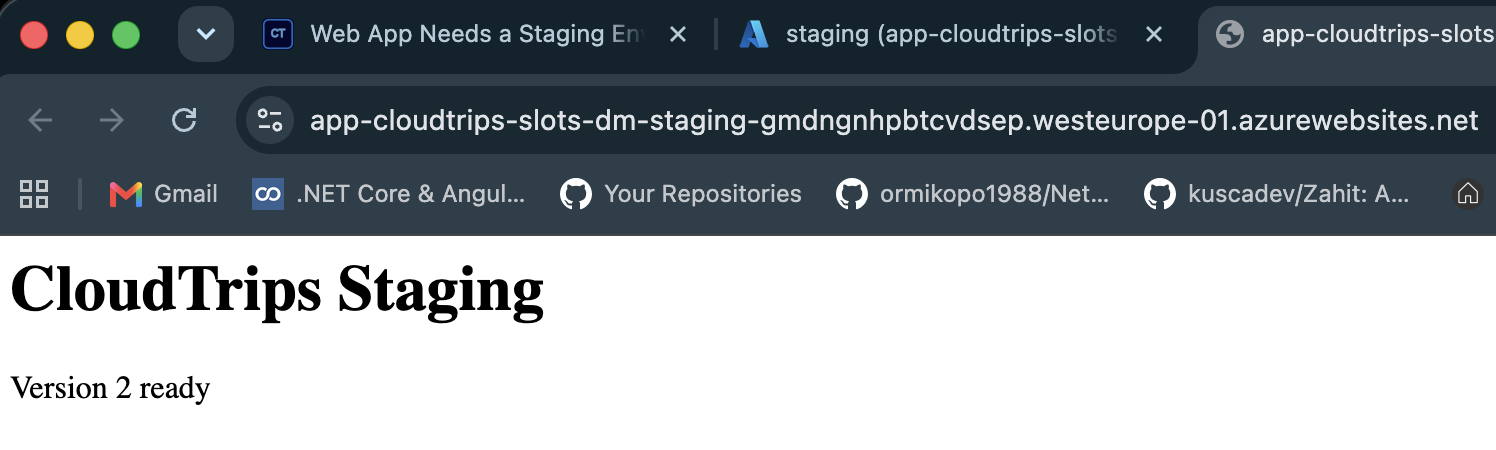
  response.end('<h1>CloudTrips Staging</h1><p>Version 2 ready</p>');
}).listen(port);
Package and deploy only to staging:
(cd staging && zip ../staging.zip package.json server.js)

az webapp deploy \
  --resource-group rg-cloudtrips-slots-test-weu \
  --name app-cloudtrips-slots-dmytro-test-weu \
  --slot staging \
  --src-path staging.zip \
  --type zip
Retrieve both generated hostnames and test them:
PROD_HOST=$(az webapp show \
  --resource-group rg-cloudtrips-slots-test-weu \
  --name app-cloudtrips-slots-dmytro-test-weu \
  --query defaultHostName --output tsv)

STAGING_HOST=$(az webapp show \
  --resource-group rg-cloudtrips-slots-test-weu \
  --name app-cloudtrips-slots-dmytro-test-weu \
  --slot staging \
  --query defaultHostName --output tsv)

curl --fail "https://${PROD_HOST}"
curl --fail "https://${STAGING_HOST}"
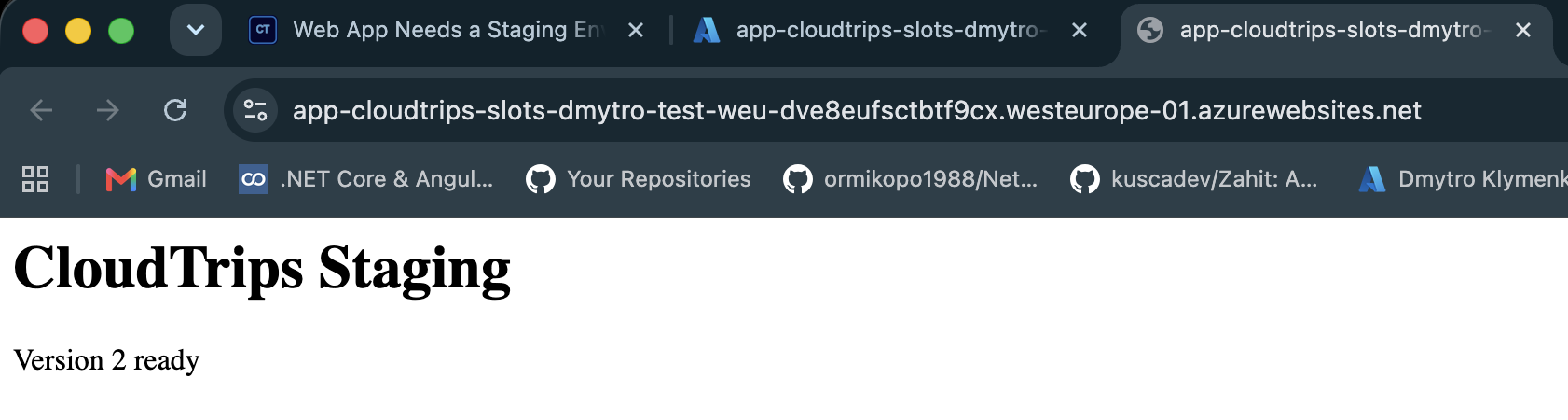
Production should show Version 1; staging should show Version 2.
Swap Staging into Production
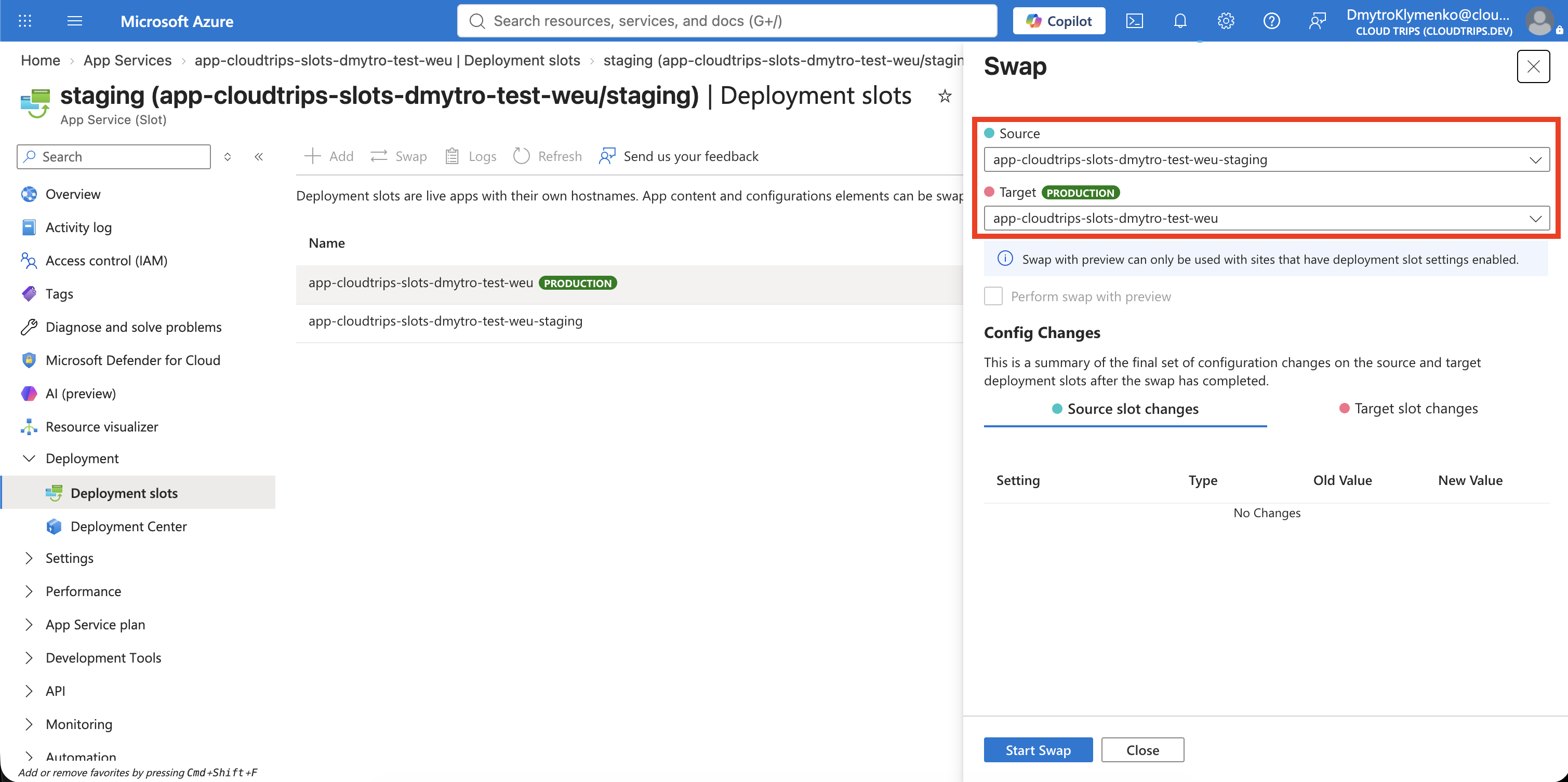
Return to Deployment slots and select Swap:
Source: staging
Target: production
Review the changes, then select Swap. App Service applies the production configuration to staging, warms the source slot, switches routing, and moves the former production version into staging. Long-running processes can be interrupted when workers recycle, so applications must handle restarts safely.
Run the same tests again:
curl --fail "https://${PROD_HOST}"
curl --fail "https://${STAGING_HOST}"
Production should now show Version 2, while staging contains the previous Version 1. The hostnames did not move—the application content did. If Version 2 fails validation, swapping the same slots again restores Version 1.
Settings marked Deployment slot setting remain attached to their slot during swaps. Use that option for environment-specific values such as staging API endpoints or connection strings; secrets should be stored in Key Vault or another appropriate secret store.
Clean Up
Delete the isolated resource group promptly to stop P0V3 charges:
az group delete --name rg-cloudtrips-slots-test-weu --yesConfirm that az group exists --name rg-cloudtrips-slots-test-weu returns
false.